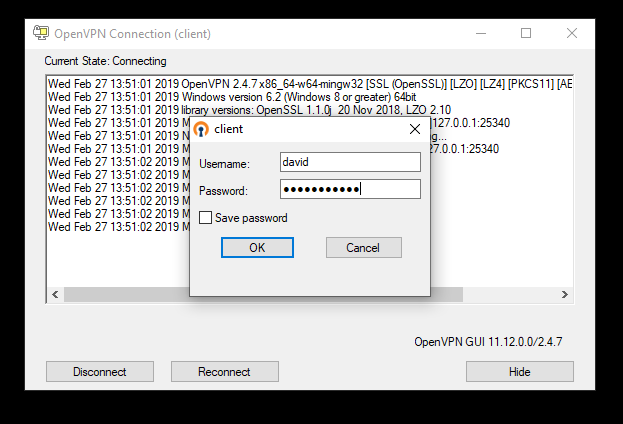
- At the bottom right in the system tray, you will note a computer screen icon with a lock on it. This is the OpenVPN Client System tray icon.

- Right-Click on the OpenVPN Client icon, and choose "Connect":
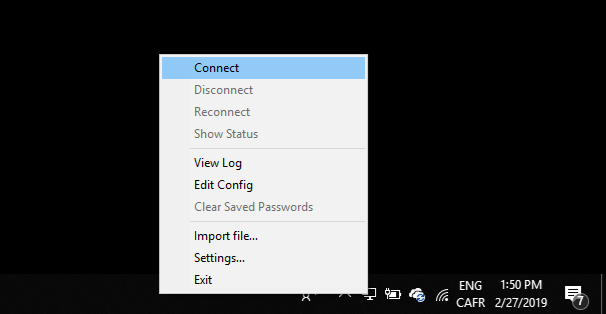
- The above OpenVPN client logon screen will come on, all you need to do is type in your Network Username and Password and click "OK". If it has successfully connected, the OpenVPN icon in the system tray will turn green (the same one noted in the first step).