- In a browser running on an on-site computer, enter the URL provided to you in the address bar
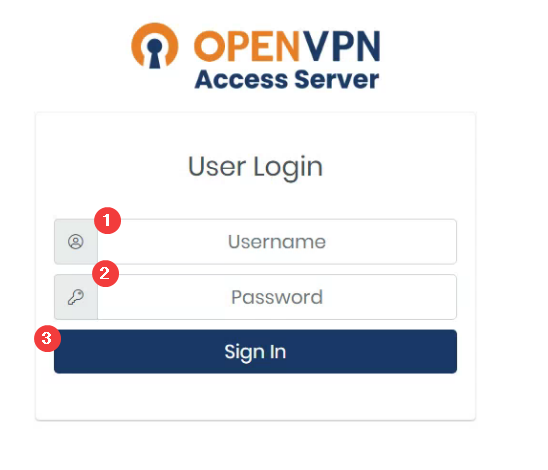
- Enter Username and password provided to you
- Click 'Sign In'
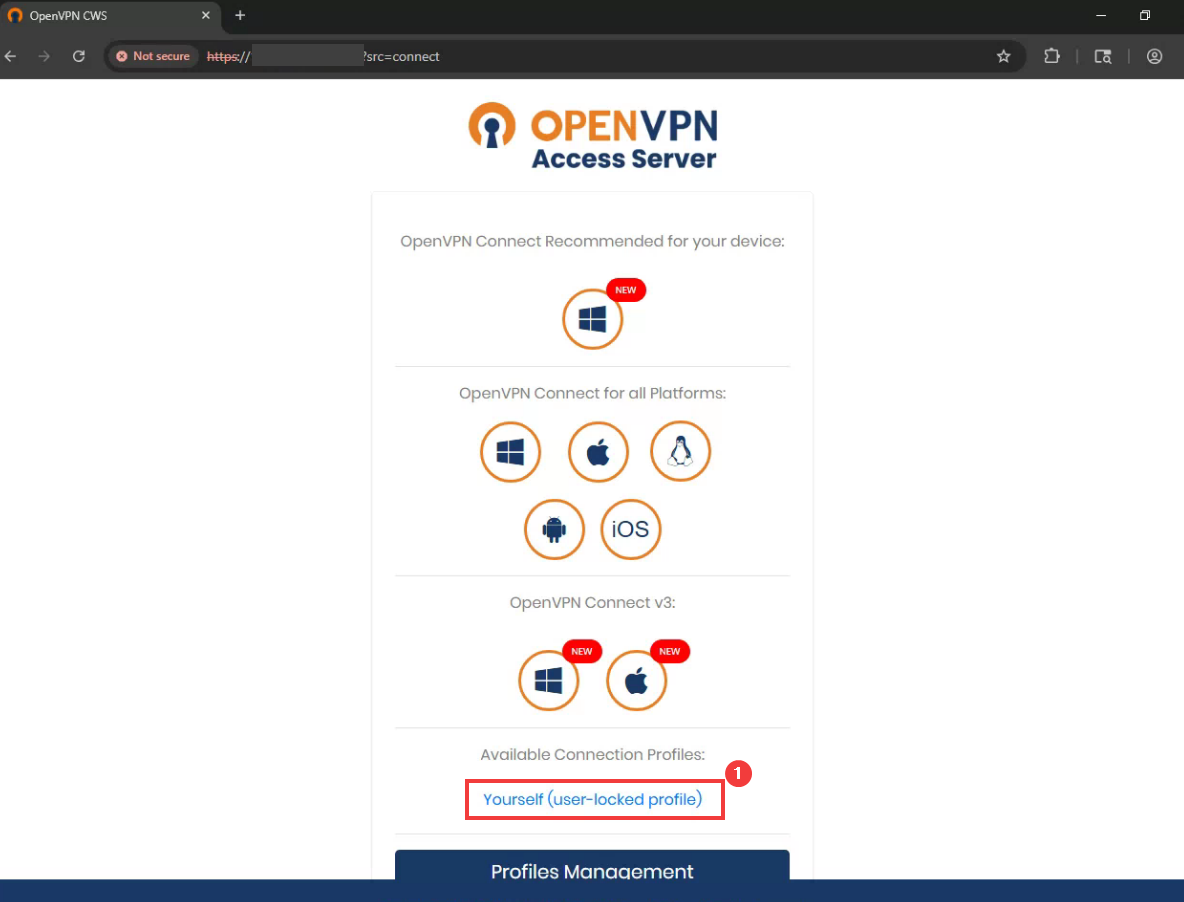
- Once Logged In, Click 'Yourself (user-locked profile)' to download your VPN profile.
- Save it to the following location: C:\users\
\OpenVPN\config
